
Notebooks
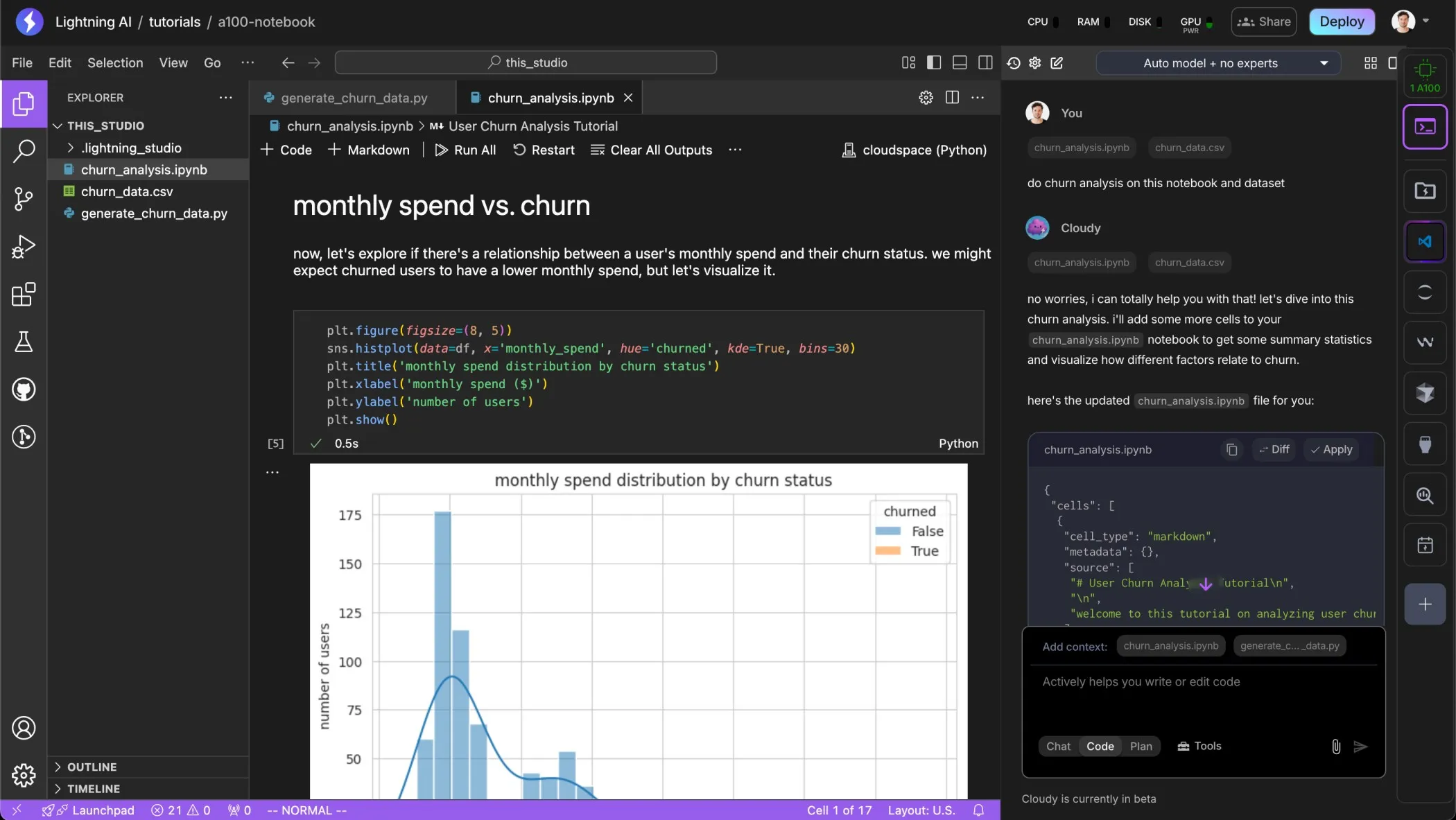
Notebooks are great for interactively exploring data, iterating on data science and machine learning code. Lightning AI supports Notebooks in 2 flavors with native AI support.
What is a notebook?
A notebook is an interactive document that lets you combine code, text, and visualizations in one place. It’s ideal for experimenting, explaining ideas, and visualizing data as you write and execute code step by step. Popular formats like Jupyter notebooks (.ipynb) are widely used for data science, AI research, and machine learning workflows.
AI agent
Lightning's AI agent can help you build notebooks and do fairly complex data analysis, simply select the notebook file you want to work on and ask the agent to write code for you.
VSCode notebooks
To use notebooks with VSCode on Lightning AI simply create a .ipynb file and work as normal. Ask the AI agent to do it if you're unsure how to create a notebook. Make sure you have selected the VSCode IDE on the Lightning AI interface.
JupyterLab notebooks
The more traditional method for notebooks is to use JupyterLab. Select the JupyterLab icon on the right side of the Lightning Studio. You might find that JupyterLab is less performant than VSCode in general for notebooks, we recommend you try it out.
Was this page helpful?
Thanks for the feedback.