
S3 buckets
It takes <1 minute to connect an S3 bucket. Click Add data on the top right, select AWS S3 Bucket and follow the instructions.
Connect S3 buckets
An S3 connection is only available to the Teamspace; this provides ability to isolate your data as needed. You can now access it from any AWS Studio in that Teamspace.
Feel free to connect multiple S3 buckets. There is no size limit to how much data you can connect.
Private buckets
If a bucket is private, you will need to take additional steps to authorize it. Lightning AI will automatically prompt you with the instructions you need. In short, it asks you to add a policy to your bucket.
Add a private S3 bucket
Enterprise buckets
For enterprise customers, we normally work with the internal team to pre-authorize a wide-range of buckets to keep in line with your organization's security requirements. Please get in touch for more information.
Supported file types
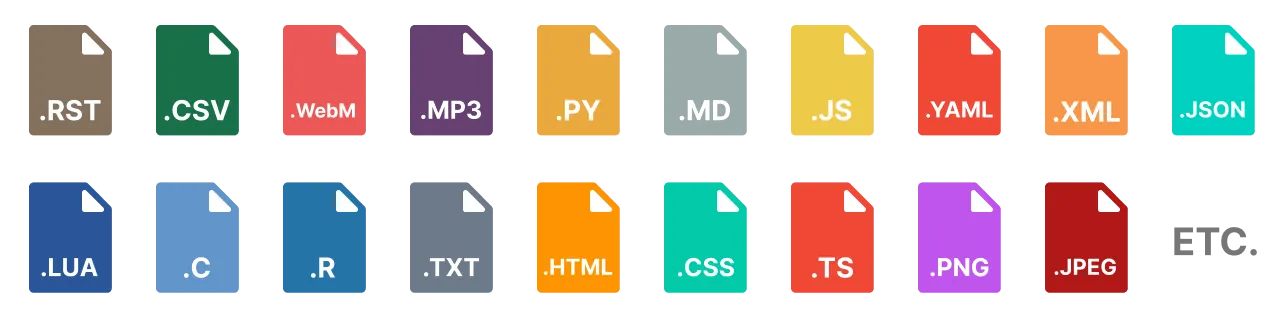
We built the Drive for high-performance AI workflows (model training, serving, data prep, etc...). Thus all file types are supported.
Was this page helpful?
Thanks for the feedback.