
Overview
Serve and deploy AI models on Lightning AI. Start with Model APIs for hosted models you can call with an API key, move to Lightning AI Inference for managed model deployments, or roll your own with Deploy a container.
Lightning AI offers different levels of inference that trade off control for cost.
Model APIs
Model APIs are the simplest way to consume AI models. Simply get an API key and use your Lightning AI credits to call any model API. Model APIs are pay-as-you-go, which is perfect for rapid prototyping, new projects, and the fastest way to add AI into apps.
# pip install litai
from litai import LLM
llm = LLM(model="openai/gpt-5", api_key="<LIGHTNING_API_KEY>")
print(llm.chat("Hello, world!"))Deploy in a Studio
For custom models, prototypes and new projects where you want to power your own inference endpoint, the simplest, fastest thing to do, is to start a Studio, run the server in localhost mode, and expose an endpoint directly from the Studio.
This method allows you to rapidly prototype and debug without submitting jobs or waiting for containers to build.
Deploy a container
For a more professional workflow, Lightning AI lets you bring your own container and configure every detail of auto-scaling, etc...
Web apps
There are multiple ways to host and deploy web apps on Lightning AI.
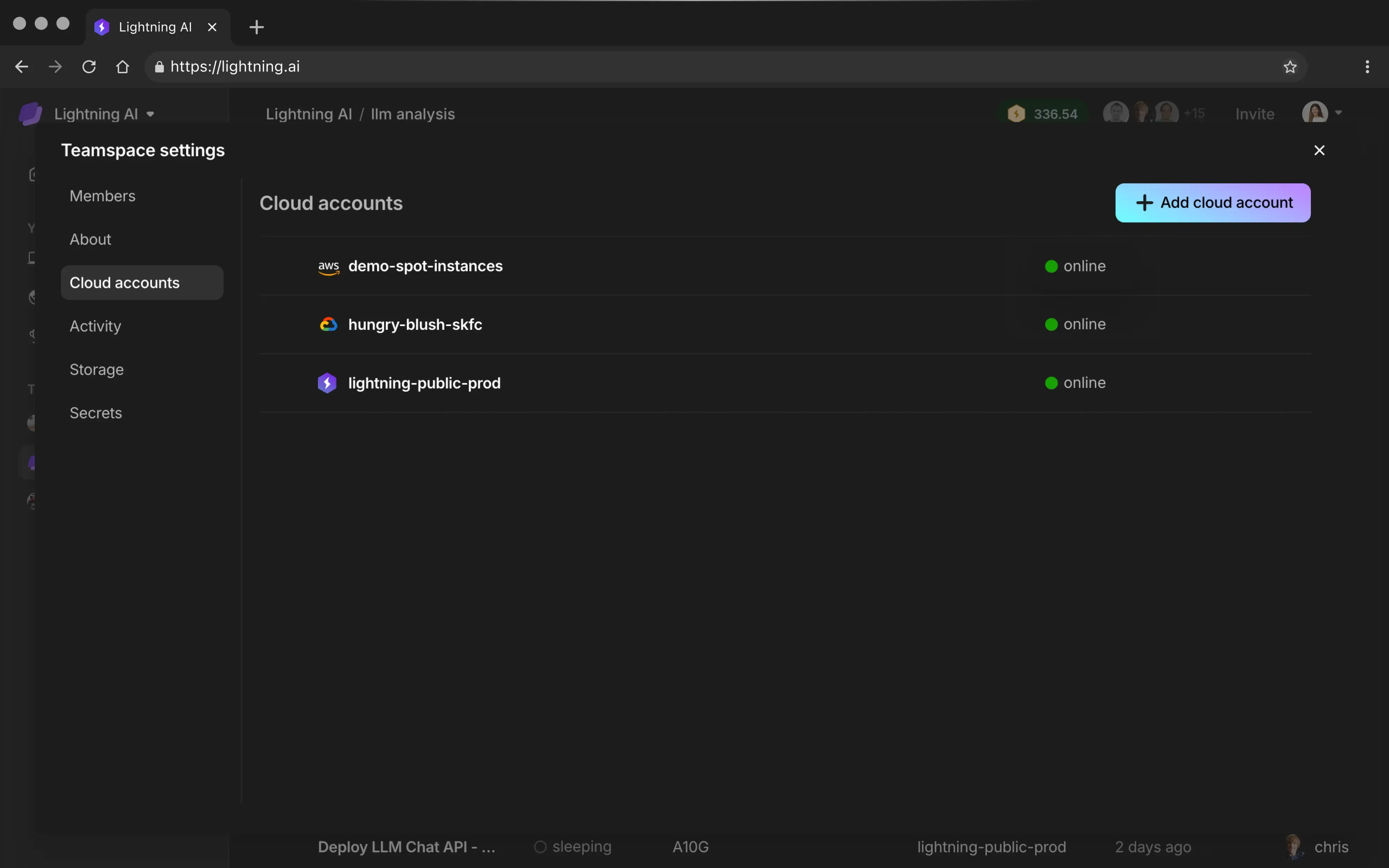
Your cloud
Bring your own cloud for enterprise-grade security. Use your cloud credits and commitments. Data never leaves your VPC.
In this section
- Model APIs — call a hosted model with an API key and pay per token.
- Lightning Inference — autoscaling, high-performance inference APIs.
- Custom models — bring your own containers, weights and inference engines.
- Self-serve vLLM — run the official vLLM server on Lightning AI.
- Batch jobs — large-scale simulations, sweeps and workflows in parallel.
- Deploy a container — turn any container into an autoscaling API.
- Deploy examples — from RAG apps to models to pipelines.
- Pipelines — mix jobs, training and inference without glue code.
- Turn-key models — deploy dedicated models on any cloud in one click.
Was this page helpful?
Thanks for the feedback.