
Account creation
Creating a Lightning AI account is the first step to being able to use Studios. You can create an account by visiting lightning.ai and clicking "Start Free" in the top right corner of the screen.
Create an account with Lightning AI.
Authentication options
Work or university email
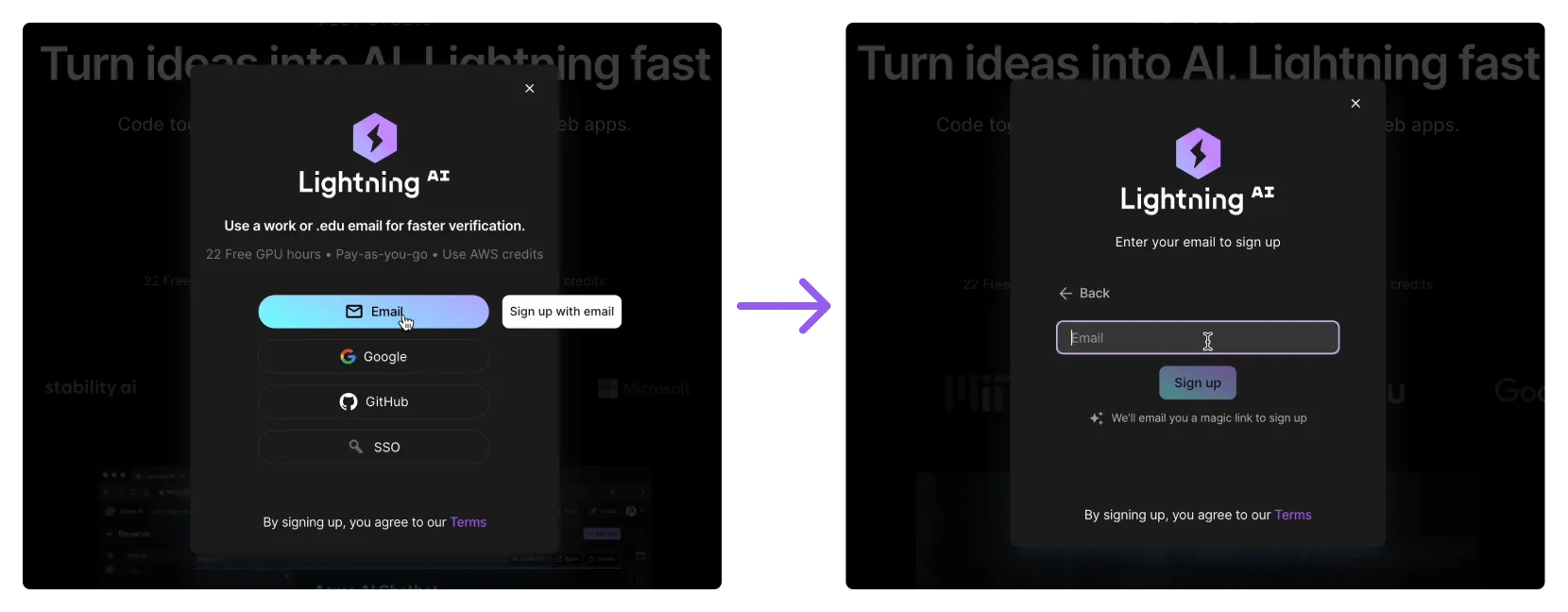
The "Email" option allows you to easily use your work or university email. For this reason, it's the most popular!
Gmail
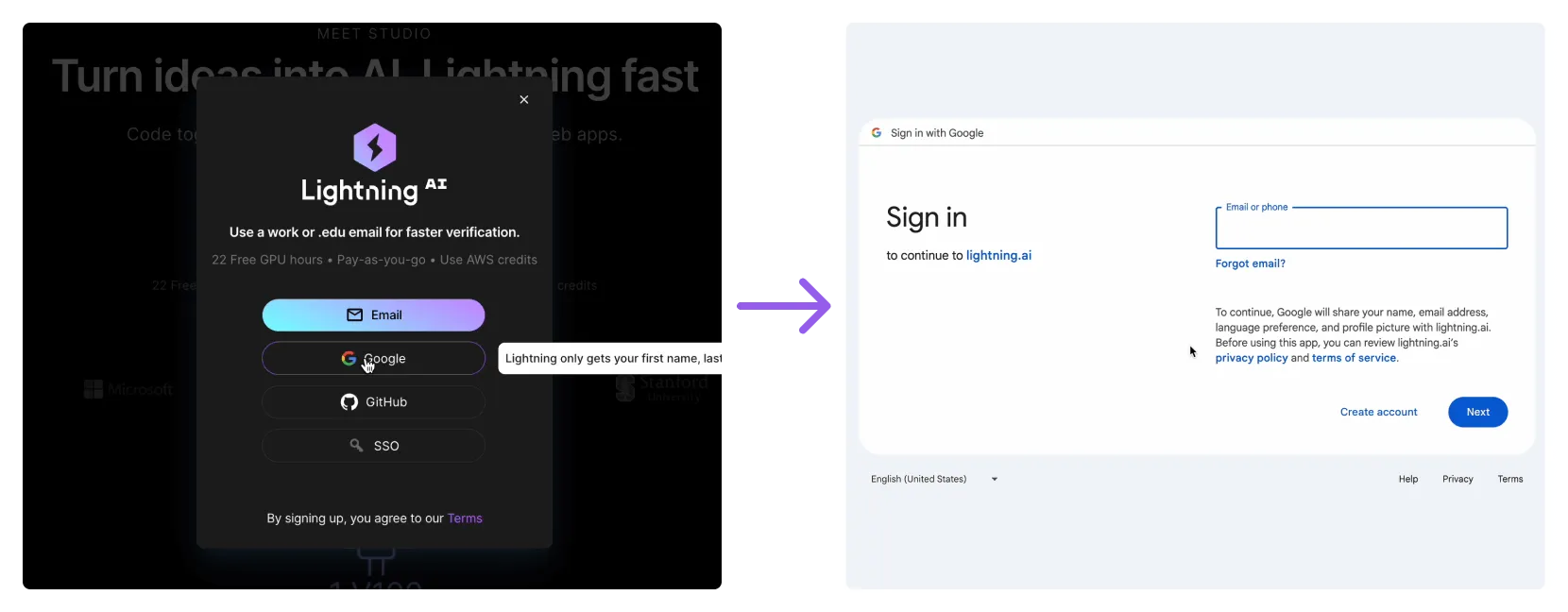
The "Gmail" option is best if your email is managed by Gmail. Click Gmail and then select the account on the Google account selection screen.
GitHub
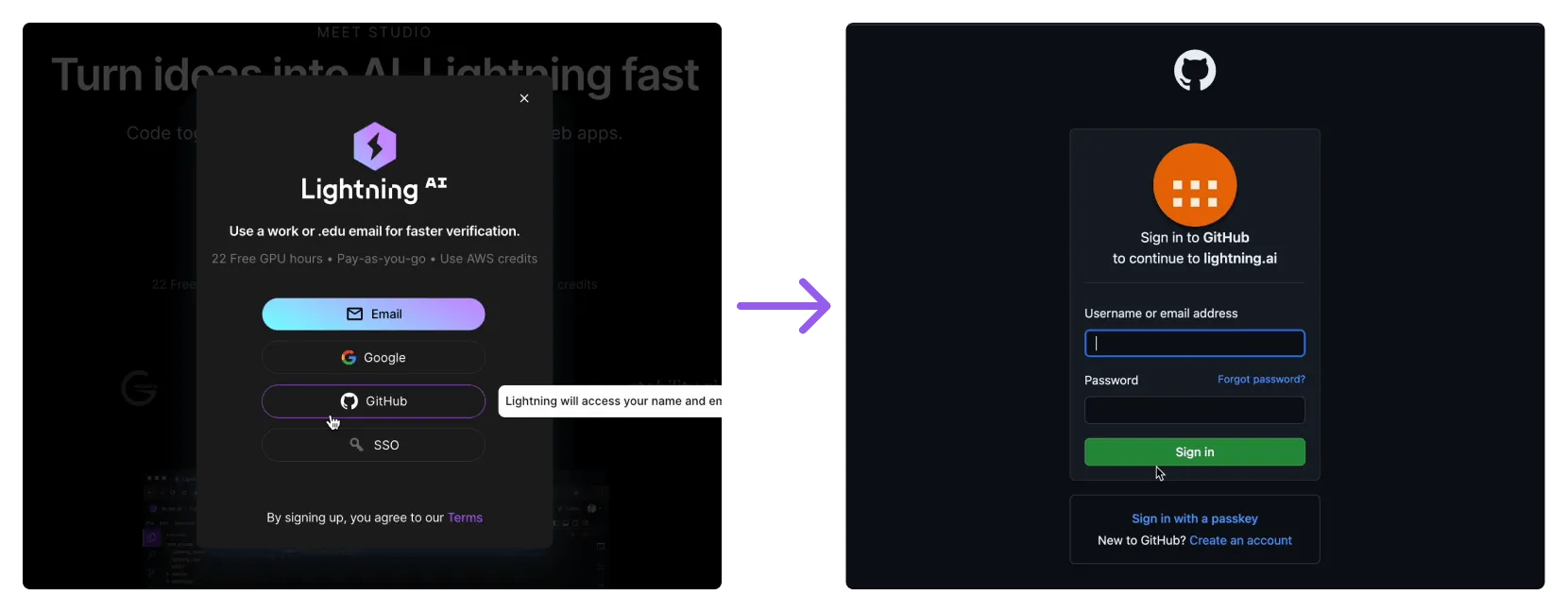
The "Github" option, our second most popular, uses Github to manage authentication. Click Github and then follow the instructions when redirected to Github's log in.
Single sign-on (SSO)
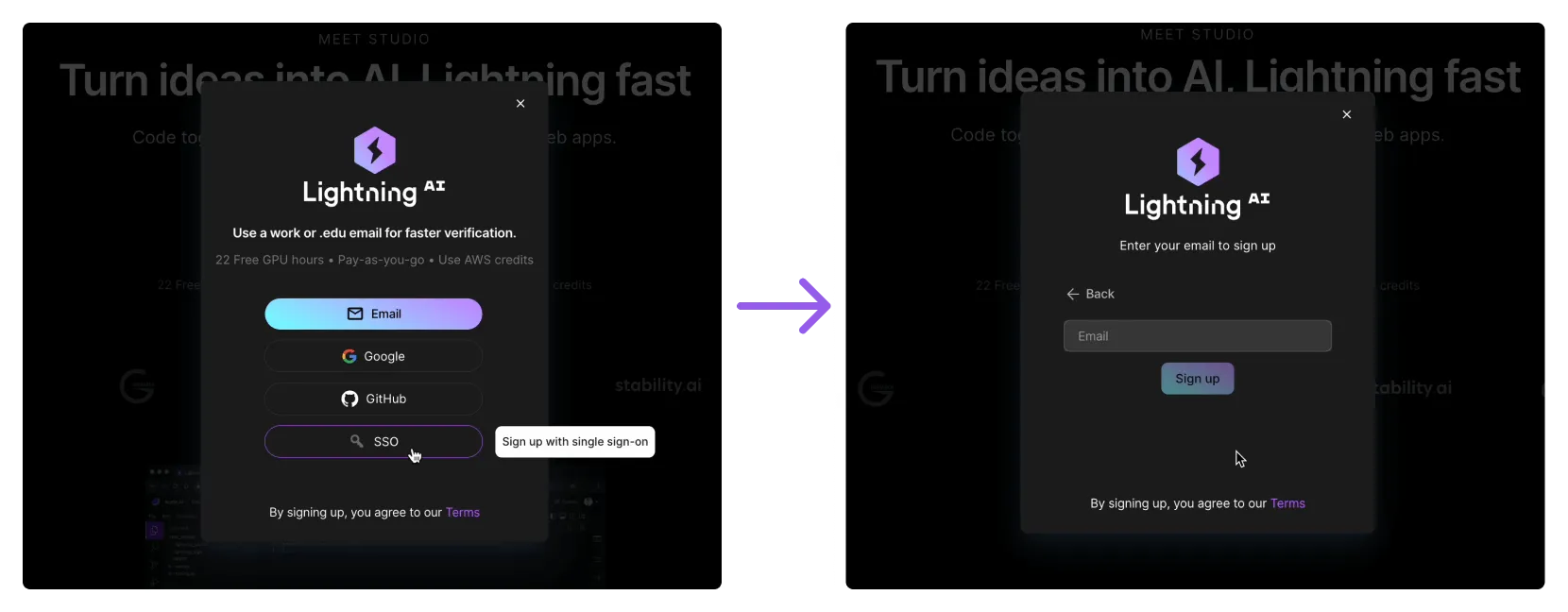
We also offer a more secure single sign-on for our Teams and Enterprise customers. Reach out to us at [email protected] for set up support.
Account verification
After you create your account, our system will verify your identity for security purposes. Personal emails are typically harder to verify and may take 2-3 business days.
Expedite verification
Tweet at us or reach out to us directly at [email protected] for expedited verification. You can also create a new account using your university or work email, which will verify faster.
If you're having trouble verifying your phone number, please share the number you're trying to verify with us via email and we'll help resolve this for you.
Was this page helpful?
Thanks for the feedback.