
Academia
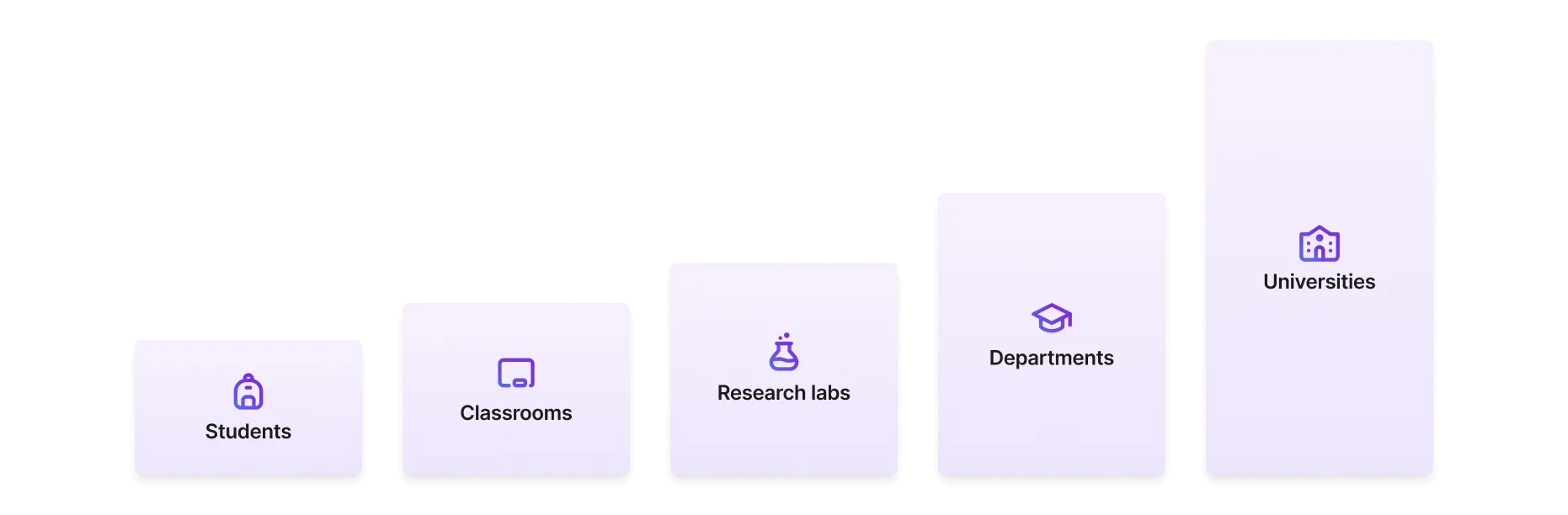
Lightning AI scales from students and individuals to large universities. This section describes recommendations on how Lightning AI can be used across academia. Everything from undergrad classes, to PhDs, to lab, and universities as a whole.
Pricing
Every student gets 30 free credits to start (up to 80 GPU hours). Usage over that is pay-as-you-go.
Academic pricing gives you Pro features at 80% off the list price for the first 48 months, after which the plan renews at list. It is billed annually.
An organization can buy as many academic seats as it needs, so a whole lab or class can run on one plan. Every paid seat has to belong to someone with a recognized academic email address.
Bulk credits are available separately. Get in touch or visit our pricing page for current prices.
Lightning AI use by team size
This section describes our recommendations of how to structure Lightning AI by each academic use case.
Students
For students a single teamspace is likely enough for most work types. However, we recommend to set up a standalone teamspace for each class so you can group homeworks, projects, etc...
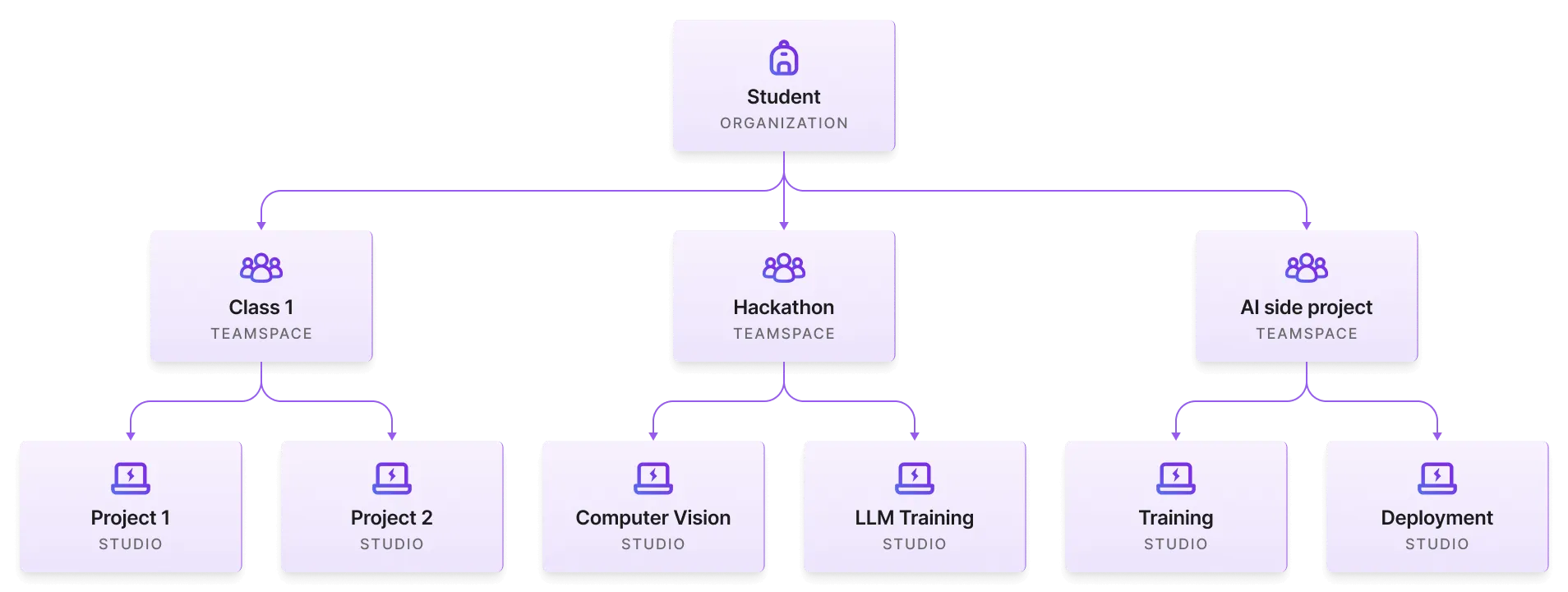
It is also a good idea to set up a teamspace for every collaborative project (hackathons, etc...) where each member might be working on something different that contributes to the overall project.
Read the in-depth guide for students.
University class
Lightning Studios allows professors or teachers to focus on delivering core course content instead of hours helping students set up and troubleshoot local environments.
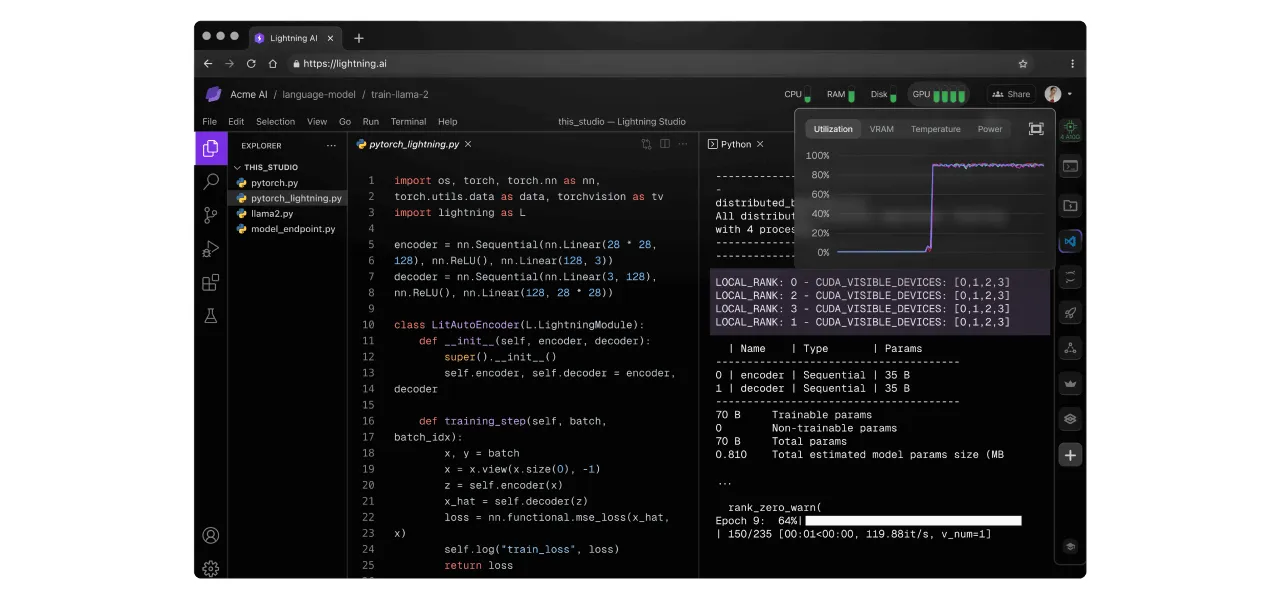
Use Lightning AI for a university class to allow students to start coding with zero setup and full control. Lightning AI enables instructors to share homeworks and assignments as reproducible templates, manage cloud credits and control spend. Teaching assistants and students can pair code live on Studios to conduct virtual office hours or offer homework help.
Press Share to get a link for coding together with collaborators.
Read the in-depth guide for classrooms.
University lab
Use Lightning AI to organize work across a research lab. Such labs are either managed by a single principal investigator (PI) or multiple PIs.
Lightning AI allows PIs to organize research by effort, provide data isolation, manage spend, use cloud credits, provide live-coding help for researchers and more. Most cloud credit grants go unused or are inefficiently used because labs lack the right tools. These are the key problems Lightning AI can help with.

Once research is complete, fully reproducible studios can be made open source which eliminates the need to "get the code ready for release" and makes research fully reproducible end to end.

Read the in-depth guide for research labs.
University-wide
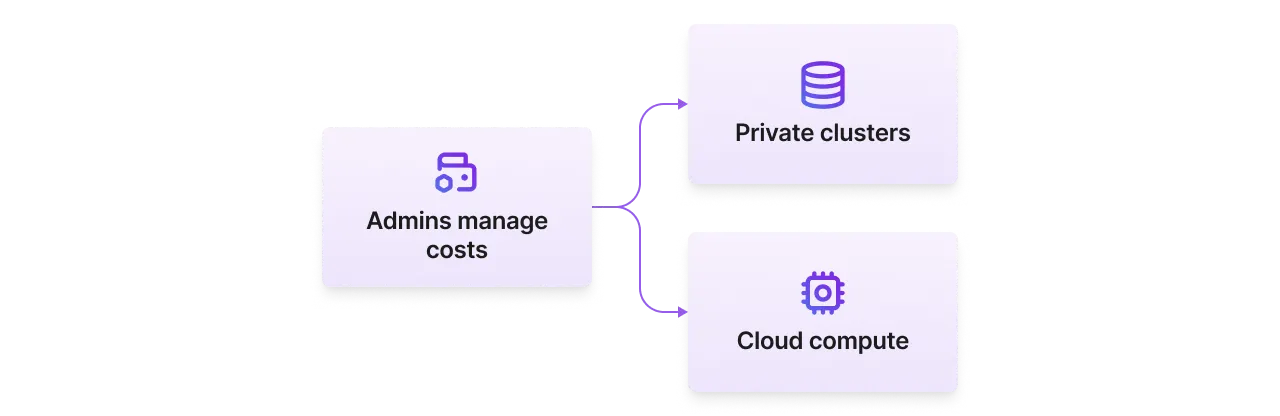
Use Lightning AI to organize all research efforts across a university. Lightning AI allows administrators to provide access to cloud compute resources and private clusters to all students and researchers. It's a way to manage cost and resources at scale.
Read the in-depth guide for universities.
Other uses
Your imagination is the limit of how you can use Lightning AI at a university. Here are a few examples.
Hackathons
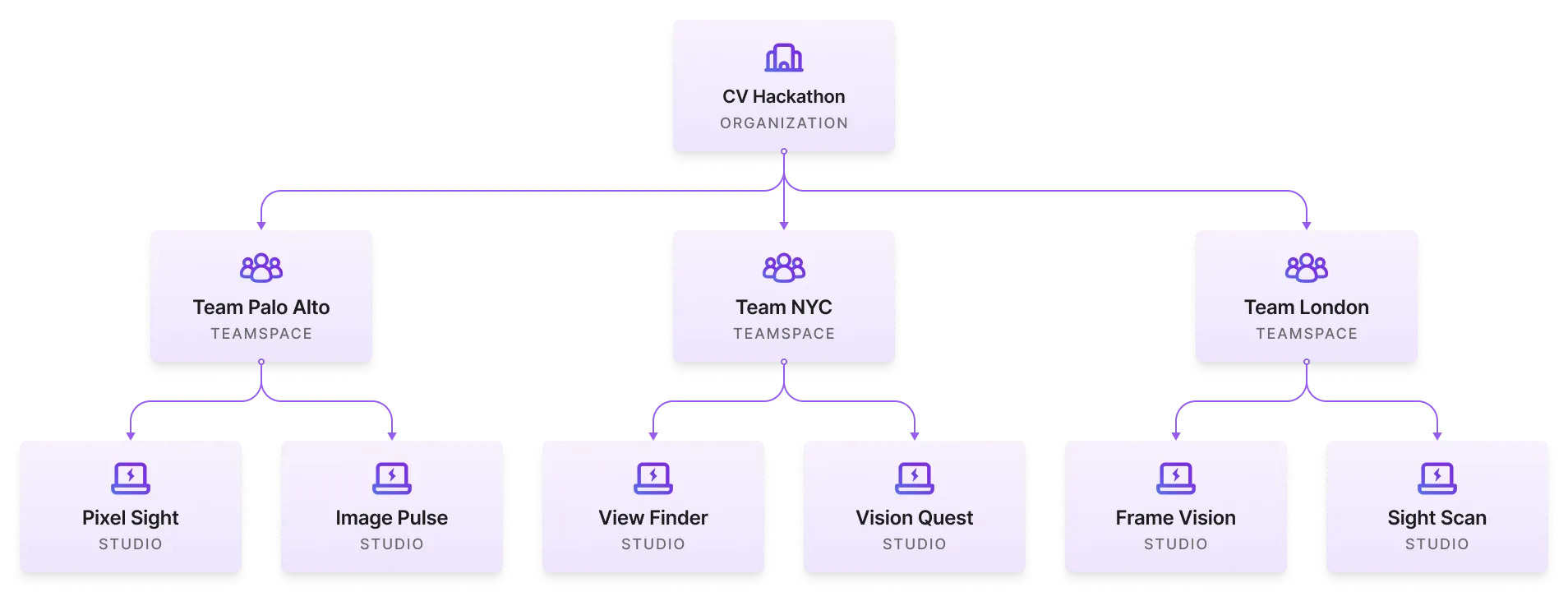
Lightning AI is the preferred platform for hackathons because organizers can set up teams, allocate cloud credits, and open source or publish the work that comes out of the hackathons in a few minutes.
Coding interviews
Practice for job interviews or run coding interviews on Studios that can use large datasets and cloud GPUs to test real-world knowledge.
University ambassador program
Lightning AI offers an ambassador program to partner with universities and host hackathons, lectures and more for strategic university partners. Get in touch to see how we can help at [email protected].

Was this page helpful?
Thanks for the feedback.