
Personal use
Lightning AI is perfect for personal use for things like side-projects, new startups, side hustles, hackathons and more.
First time set up
Below are our recommendations to set up Lightning AI for personal use.
Set up teamspace
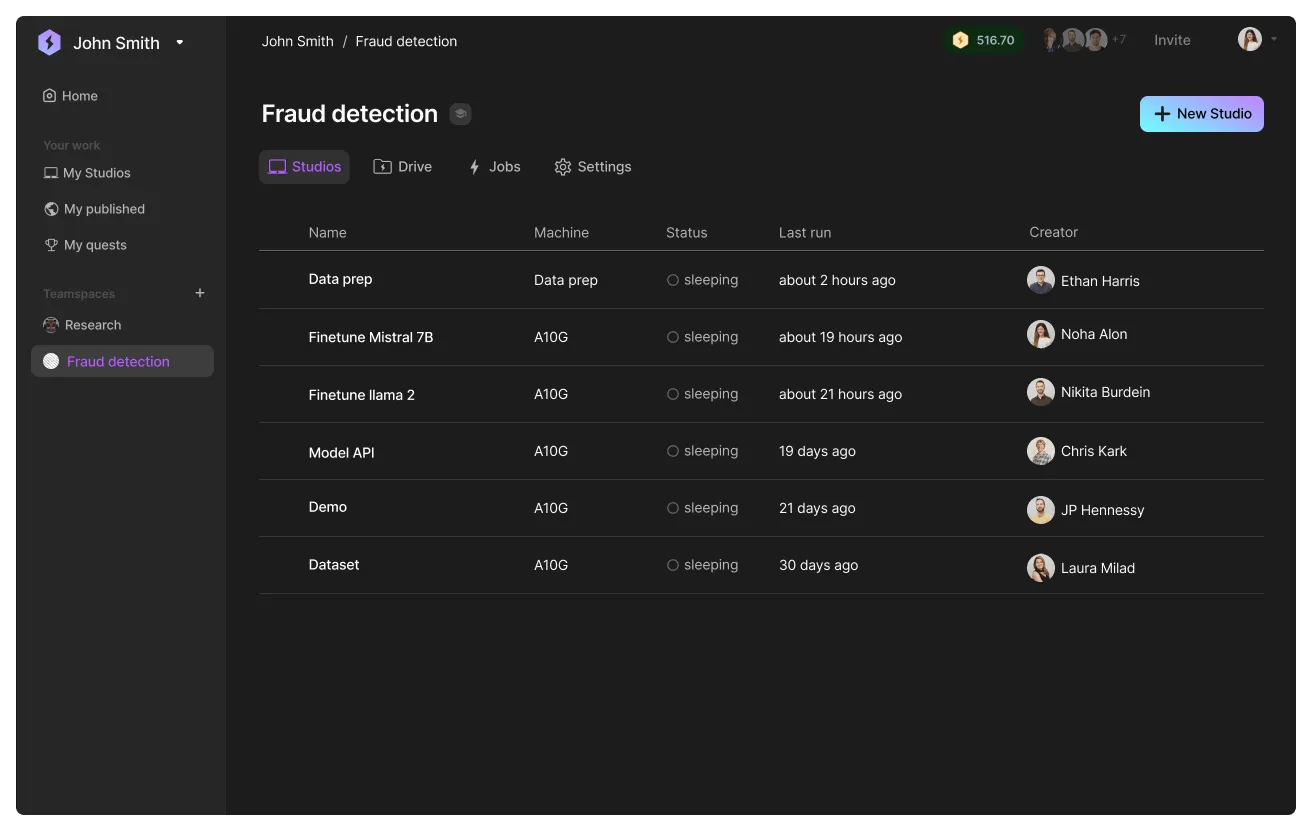
Lightning AI gives you a default teamspace with a few Studios in it. Rename the default teamspace to the project you are working on. The teamspace groups Studios related to one project. For example if the project is to build a fraud detection system, the teamspace will be "fraud detection" and the Studios in the teamspace will be different tasks (train model, finetune, deploy, etc...).
Set up your teamspace.
Read more about teamspaces.
Create one Studio per task
We recommend that you break down parts of the project into focused Studios. For example, a Studio to finetune, another Studio to host a demo, another Studio to process data, and so on. This allows each Studio to have its own isolated environment that enables reproducibility at scale.
Invite collaborators
Invite collaborators to the teamspace by clicking "invite" on the top right of the teamspace.
Manage spend
Lightning AI measures your cloud spend in real-time. Use the spend management tools to monitor, budget, transfer and add more cloud credits.
Manage spend from the "Activity" section in teamspace settings.
Advantages
In this section we discuss a few advantages of using Lightning AI for personal use.
Ready to go anytime
When working on multiple projects, a standard practice today is to create multiple environments on a laptop. This can corrupt your laptop's native environment if you are not careful. Context switching projects is also slow because you have to set up the environment again and get everything running.
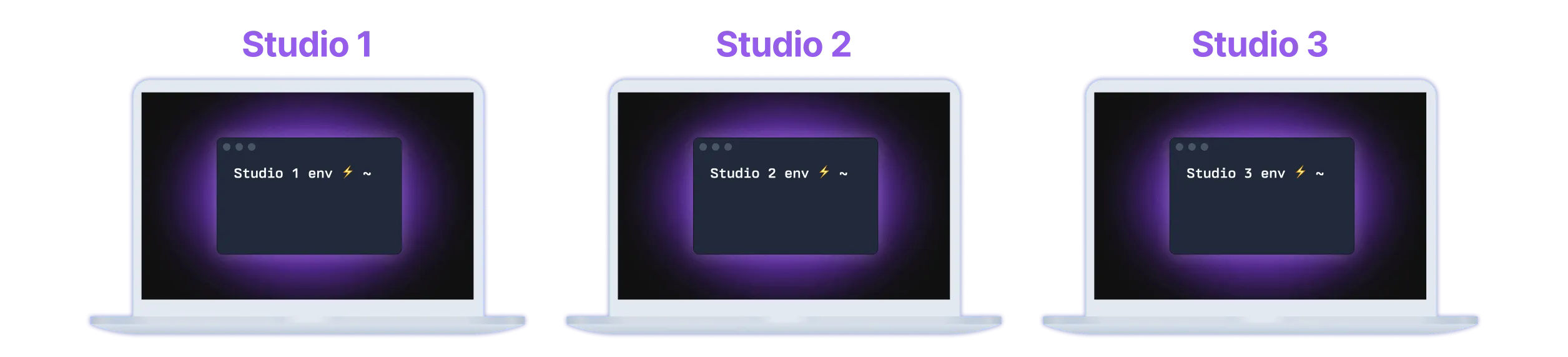
Instead, create one Studio per environment. Context switching is instant. To work on a project, start up that Studio and in seconds you're ready to go. Studio environments also allow you to experiment with installing packages or setting things up without fear of it affecting your computer. If anything breaks, simply delete the Studio.
Duplication
Personal projects tend to "fork" from one another. Duplicate a Studio to "fork" not just the code, but the whole environment, packages, dependencies and more.
Duplicating studios include the whole environment, packages, dependencies, etc.
Live coding
Studios allow multiple developers from anywhere in the world to work on the same environment, code and debug together. This is normally unsafe to do on a personal laptop or devserver.
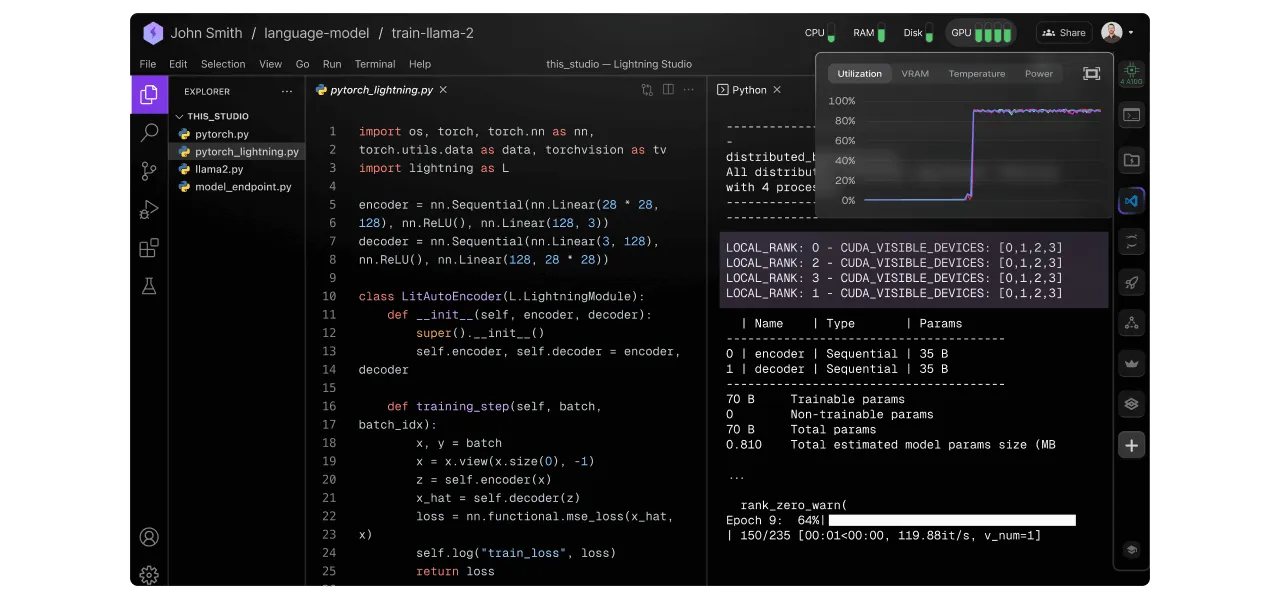
Press Share to get a link for coding together with collaborators.
Publish
Publish a Studio to allow anyone in the world to duplicate it. This allows you to share the code, data, environment, installed packages, etc... Without Studios, the alternative is to send a Github repo, docker image and hope that people replicate it exactly (which usually doesn't happen or it takes multiple days).
Templates
Lightning AI offers community-built templates to jumpstart AI project. Templates are modules that you can use as is, or customize for your AI projects.
Jumpstart your work by duplicating Studio templates.
Access to GPUs
Get a GPU on Lightning AI in a few minutes without any fuzz. Unlike other GPU providers, the work you do on a Studio is persistent. Next time you start the Studio, everything will still be there... This saves hours of costly setup every time you want to work on a project with GPUs.
Use cases
This section gives high-level guidance on how to use Lightning AI for these different types of use cases.
Professionals
Lightning AI is perfect for professional projects, whether it is a side hustle or a project at work. Start for free on a personal teamspace. When you need certain enterprise features, upgrade to unlock that additional capability.
Consultants
Lightning AI allows consultants to create internal, private collections of Studio templates they can fork and replicate for every customer.
Consultants can create an internal, private collection of Studio templates for use.
To ship a customer project, publish it or share with the customer so they can fork and run on their private cloud account in minutes.
Students
Lightning AI is perfect for homeworks, assignments, group projects, hackathons and more. Studios already have environments set up for machine learning that work out of the box. They can be duplicated, shared and used for pair coding. Work on free CPUs and scale to GPUs to speed up workloads.
Was this page helpful?
Thanks for the feedback.