
Workshops
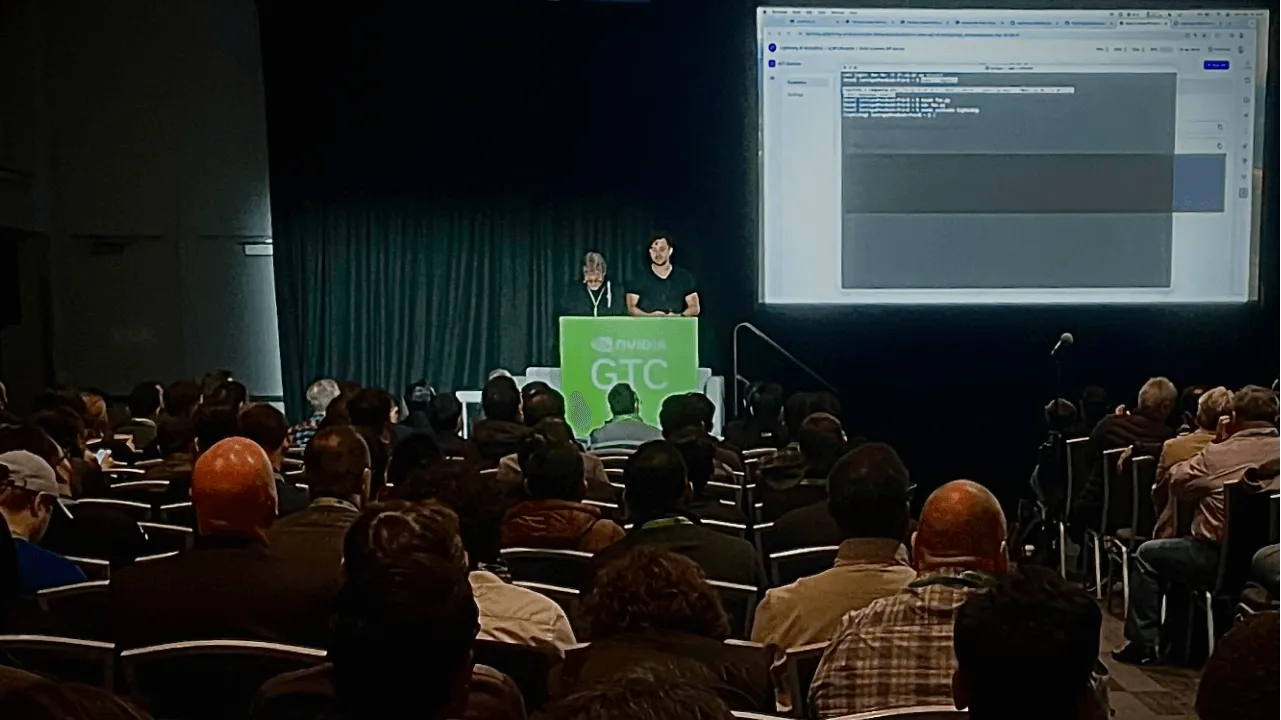
Workshops where someone is presenting to a group of people can benefit from Studios. Simply create a Studio, publish it, and share the link with the workshop. Every member can run the Studio and access it for free using their free Lightning AI credits.

Set up a workshop
Create a teamspace
First, create a teamspace with the Workshop name.
Create a teamspace for the workshop.
Creating a teamspace dedicated to the workshop will help you keep content organized. It will prevent you from accidentally modifying or deleting workshop Studios in the future. Teamspaces are a great way to organize content that way, and there's no drawback associated to creating an extra teamspace in your account.
You can create the teamspace within your personal user organization, or under a dedicated organization if you have one. Going with a dedicated organization gives your the ability to publish workshop Studios privately within that organization. This is a good idea if you want to keep your content confined within the organization due to intellectual property or other concerns.
Create one Studio per task
Now go ahead and create your content in the teamspace.
If you need to cover a pipeline of tasks, such as getting data, training a model, and serving it, we suggest you create one Studio per task. This will make it easy for attendees to consume the Studios one by one, and take each Studio as a potential starting point for their own work.
You may also want to consider publishing two sets of Studios:
- A set of Studios you will be walking through interactively while you're running the workshop, so they may contain starting points and allow you to code live to complete the parts that are missing.
- A set of Studios that show the end result, with the final deliverables already baked in.
Having both sets is usually a good idea, just like in cooking shows. The host usually has the ingredients and shows how to assemble them, but then will jump ahead and take a pre-baked cake out of the oven.

You can do the same with Studios: have both running, work through one interactively and then tab to the other one to show the end results.
Have two Studios: one that you work through, and one that shows the final result.
One more thing! Remember to switch off the Auto Sleep check on the Studios while you are running the workshop, or by the time you tab to the pre-baked Studio it may be sleeping, and you'll need to wake it up.
Turn off auto-sleep on Studios so they stay active during the workshop.
Publish Studios
Now you're ready to publish your Studios, so your attendees can follow along interactively.
Publish studios to make them accessible to workshop attendees.
Write a nice, informative About page. Try to make it self-contained and concise, so it's easy to consume for your attendees later on.
When you publish to Studios, make sure you enable the right level of visibility for the attendees. Publish to the community if you don't mind making Studios available to everyone, or limit to the organization if you want to keep your Studios private.
Workshop starts
Alright, it's show time. Share links to your published Studios to your attendees ahead of the workshop or at the beginning of your presentation.
Remember that not all of them might have a Lightning Studios account, so just give the audience time to onboard. Even better, ask them to come to the workshop with a Lightning Studios account and their onboarding done.
If you are worried about Studio startup time, especially since GPU machines may not be immediately available, consider starting the Studios ahead of time. Once again remember to tick off Auto Shutdown to avoid surprises during the presentation.
Jump in and help
If someone is stuck, you can jump in and help them easily. This of course depends on how interactive you want your workshop to be and how closely you expect attendees to be following.
When an attendees calls for help, just ask them to share the session and post the link to you.
Workshop participants can share sessions to allow facilitator to hop on and off as needed.
Note that they won't even need to add you to their teamspace to share their session. You will just be able to hop on their running studio and fix whatever issue they are experiencing. Hop on, fix, hop off, continue.
Let the world know
If the workshop was recorded and it is publicly available, don't forget to publicize your work and share the links to your Studios with the greater community on social media, along with the video.
If not, just post the Studios without the video! Just make sure the About page is self-explanatory and takes readers end-to-end across the whole journey.
Pricing
Every user gets free GPU hours and can pay-as-you-go for more. In general, we find this is enough for workshops to run meaningful tutorials for all attendees without costs.
Was this page helpful?
Thanks for the feedback.